Key takeaways
- The app's language picker changed a setting but didn't reliably re-render the app in that language — this update fixes it at the root, not with a patch.
- The final, simplified fix: the app now drives its language through the single mechanism iOS itself reads, so there's no more risk of half the screen showing one language and half another.
- Along the way, an export audit found 402 translation keys used in the app but missing from every non-English language file — those are now filled in across all eight languages.
- A new warm "dark rose" dark mode shipped the same day, plus an Appearance setting (System/Light/Dark) in Settings.
- This work shipped across TestFlight builds 15, 16 and 17.
What this update covers
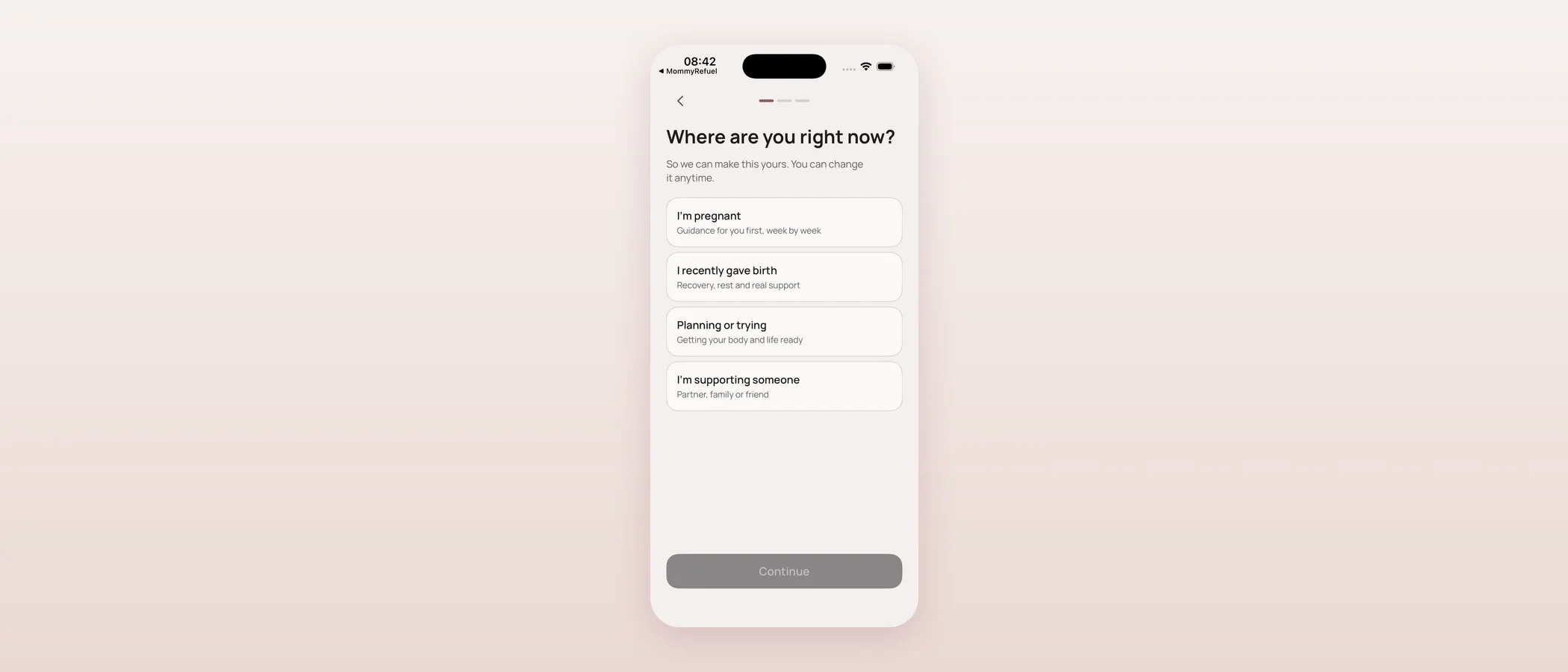
Hi, I'm Serhii, the founder of Mommy Refuel. Two days after I added six new app languages and a first-run language picker, I sat down to double-check it — and found the picker didn't actually do what it promised. This update is about fixing that properly, plus a new dark mode that shipped alongside it. I'm walking through the actual sequence, including the false start, because I'd rather you know exactly what happened than read a tidy summary that skips the part where the first fix wasn't quite right.
The bug: choosing a language didn't reliably change it
The language picker wrote your choice to storage correctly, but nothing actually told the running app to re-read its text in the new language — so the UI could stay exactly as it was. My first fix, the same morning, added a LocalizationManager that reclassed the app's text bundle on launch to resolve strings from your chosen language, plus a live mode that swapped the bundle and rebuilt the visible screen on the spot. Tested on the simulator switching Ukrainian → German → English, it worked, and I shipped it as build 15.
But that fix used two separate mechanisms at once: my custom bundle swap for text, and a separate SwiftUI locale override, alongside the system setting (AppleLanguages) that iOS itself uses for some built-in behaviour. When those two disagreed — for example, my override said Ukrainian but the system setting still said English — parts of the screen would render in one language and parts in the other. That's a worse bug than the one I started with, because it's inconsistent rather than simply wrong.
The real fix: one source of truth
The honest fix was to remove complexity, not add more of it. I took out the custom bundle swizzle and the SwiftUI locale override entirely, so the app now only ever writes to AppleLanguages — the single setting both the visible text and the system's own string-resolution machinery read from. There's no way for two mechanisms to disagree anymore, because there's only one. The trade-off is that a language change now fully applies the next time you open the app, rather than instantly mid-session — which is actually normal iOS behaviour (it's how Settings → Language always worked), and the app now says so plainly.
402 translations that were quietly missing
While I was in the localization code, I ran Xcode's own export tool as an audit and it surfaced something worse than the bug above: roughly 438 text keys that the app actually uses in code had no entry at all in most of the language files — including Ukrainian. Things like "Children", "1 child", week counts, and weekly-report copy were silently falling back to English on every non-English phone, and had been since those features shipped. I translated the 422 real-text keys across all eight non-English languages and appended them to each language file; 13 keys were format-only (no text to translate) and 3 crisis/safety strings are intentionally still English pending professional review, same policy as always. I re-ran the export afterward to confirm there were no gaps left.
A final full-language pass caught one more miss by hand: the German Timeline tab label had been left in English while every other language had its own word for it. Fixed.
A new dark mode, and a way to choose it
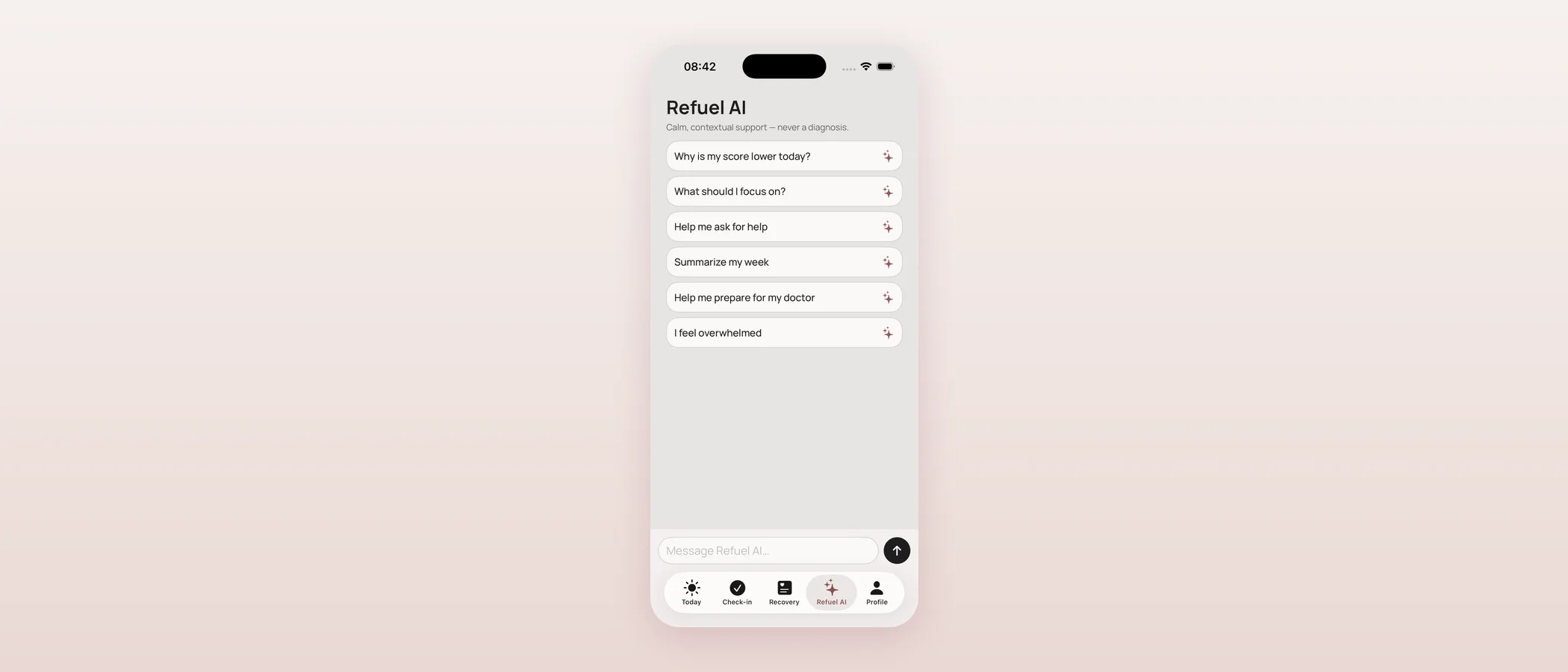
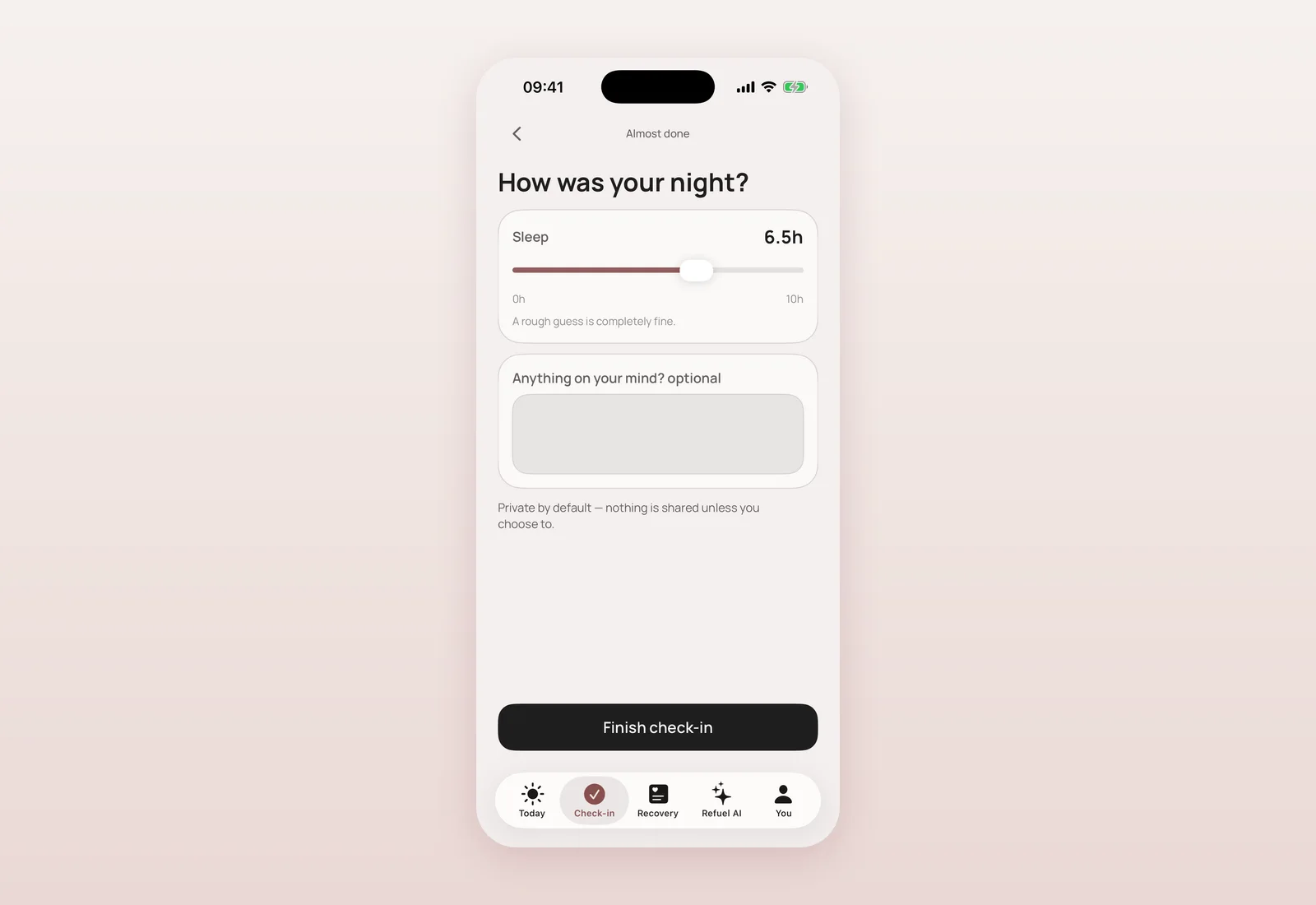
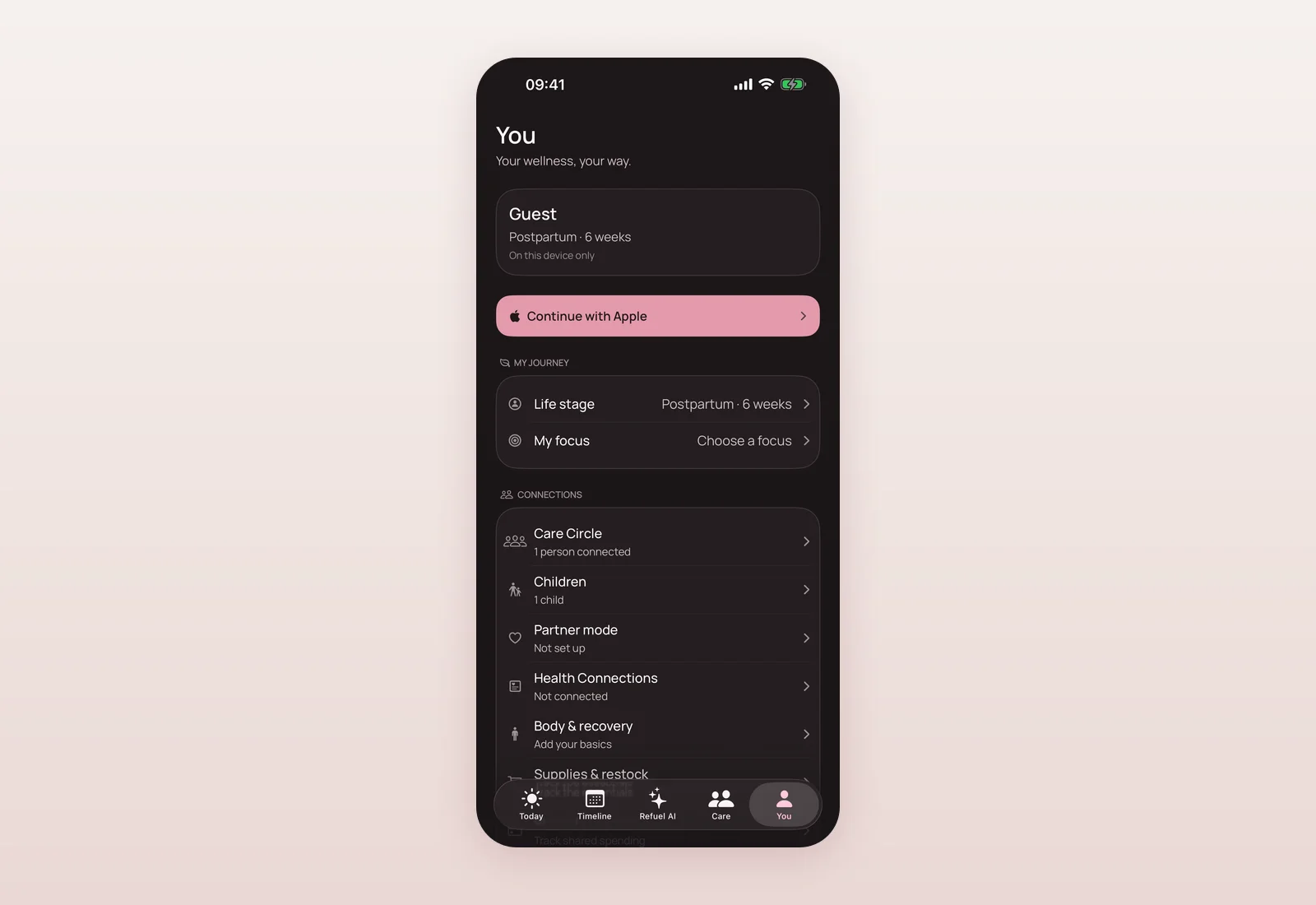
The same morning, I reworked the app's dark theme into a warm "dark rose" look, built entirely from the existing colour token system so every screen re-themes automatically with no per-screen work. The background lifts to a warm graphite instead of a near-black, the accent colour switches from burgundy to a soft rose so it doesn't sink into the dark background, and the tab bar gets a more solid, structured look with a warm selection highlight. Light mode is untouched.
Alongside it, Settings now has an explicit Appearance option — System, Light or Dark — that mirrors how the Language setting already works, and it applies instantly and fully, no relaunch needed (this one isn't tied to the same iOS-launch-time constraint as language). I also fixed the Language row itself so it shows the correct native name for every one of the eight shipped languages, not just English and Ukrainian.
Where and when
- 09:30 — New warm "dark rose" dark mode shipped, built on the existing colour token system; light mode untouched (ad137fb).
- 09:35 — First fix for language switching: LocalizationManager reclasses the app's bundle and rebuilds the screen live (c3ae0fa). Shipped as build 15.
- 09:44 — Appearance setting (System/Light/Dark) added to Settings; Language row now shows the correct native name for all eight languages (8bb1219).
- 09:51 — Build bumped to 15 (v2.0.1) for TestFlight, carrying the full localization, live language switching, dark mode, Supplies/Expenses and DAU work (9d06eef).
- 10:02 — iOS build number bumped again for TestFlight (73e024c). Build 16.
- 10:18 — Export audit finds 402 real translation keys missing across all eight non-English languages; translated and filled in, format verified (061a664).
- 10:28 — Root-cause fix: language now driven only by AppleLanguages, the single mechanism both the UI and iOS read; removes the two-mechanism bug from the morning's first fix (6158c87).
- 10:51 — Full-language QA across all eight locales finds and fixes the last miss: German Timeline tab label (602e173).
- 11:04 — Build bumped to 17 for TestFlight, carrying the language root-cause fix and the missing-translation fill (8e5fd94).
What's next
I'd rather ship a fix like this in public than pretend build 15 was already right. Builds 15 through 17 went to TestFlight the same week; the App Store release that carries this work follows separately, with my own upload. Next on translations: getting the newer languages' crisis and safety strings through a professional human review, so they can drop the English fallback honestly rather than on a machine draft.
Questions mothers ask
Does changing the app's language apply instantly now?
The visible text updates right away for most of the screen, but the change fully applies on your next app open — that matches how iOS itself handles app language, and Settings now says so.
Were any of my notes or data affected by the localization bug?
No. This was purely a display issue in which language text appeared in — nothing about how your data is stored, calculated or protected changed.
Is the app fully translated in all nine languages now?
The 402 missing keys found in this update are filled in across all eight non-English languages. A small number of crisis and safety strings remain in English everywhere except English and Ukrainian, intentionally, until they get a professional review.
How do I turn on dark mode?
Go to Settings → Appearance and choose Dark (or System, to follow your phone's setting). It applies immediately.
Which build should I be on to get all of this?
Build 17 or later on TestFlight carries the language fix, the translation fill, and the new dark mode together.

Product designer and engineer from Kyiv who designed and built Mommy Refuel end to end. CTO at Kyiv Academy of Media Arts, founder of seven a.m. He writes every product update here: what shipped, where and when.
About SerhiiAvailability can vary with the installed app version. Statuses are founder-confirmed at the time of writing.