

Key takeaways
- "Just talk" is a new card on Today: speak (on-device) or type freely about your day, and the app proposes where each thing belongs — a journal note, something you're running low on, a spend, or a question for the doctor.
- Nothing is saved until you review the proposals and tap "Add" — you can edit or leave out anything.
- A safety check always runs first: anything that sounds like a crisis routes straight to support, never to a task.
- The whole flow is on-device by default — no network, no AI, no analytics payload beyond a simple "opened/saved" event.
- Build 26 adds an optional "Sort with the assistant" toggle for richer, multilingual sorting — off by default, and it quietly falls back to the on-device parser if anything goes wrong.
Why I built a way to just talk
Most of what mothers using Mommy Refuel do is quick, small and scattered: a note about how the day went, something running low in the cupboard, what got spent on nappies, a question to remember for the next appointment. Every one of those things had its own screen, its own form, its own menu. That's fine when you're calm and sitting down. It's not fine at 11pm with a baby finally asleep on your chest and thirty seconds of free hands.
"Just talk" is my attempt to remove that friction entirely. You open one card on Today, and you just say — or type — what's actually happening. The app does the sorting. You do the deciding.
How it actually works, on your device
Tap the "Just talk" card and either speak, using on-device Speech recognition, or type freely. There's no format to follow — say something like "hard day, spent 24.50 on diapers, running low on wipes, want to ask the doctor about my stitches" and the app pulls it apart.
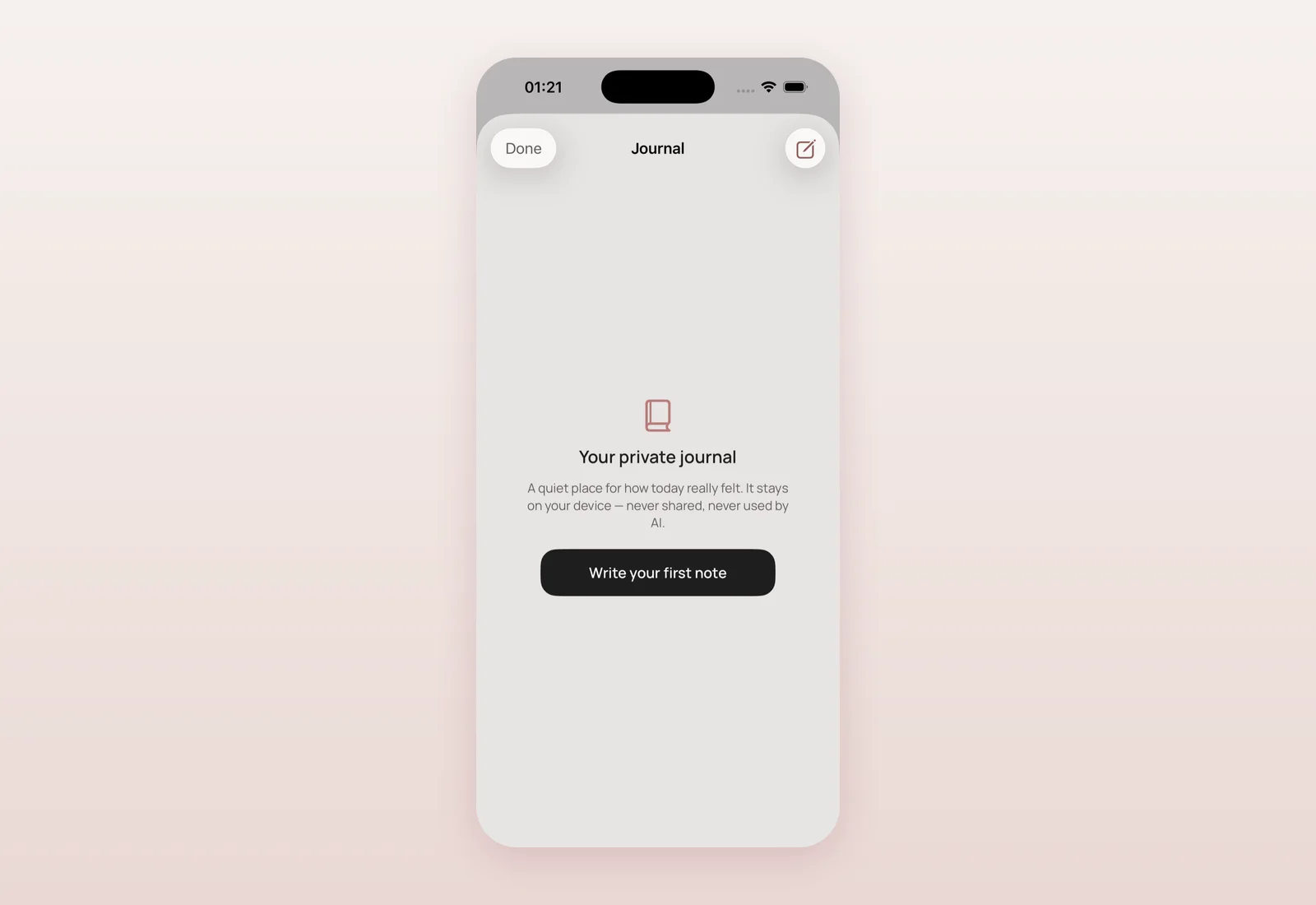
Underneath, a pure, on-device engine called LifeParser does the work. It always offers your whole transcript as a journal note first — a language-agnostic catch-all, so nothing you say is ever lost even if the parser doesn't recognise a structured item in it. On top of that, it looks for trigger patterns (covering English, Ukrainian and Russian) to propose structured items: an amount for a spend, a noun for something running low, a question flagged for your doctor. You then see a review screen with an include toggle and inline editing for every proposed item, and nothing is written to your journal, supplies, expenses or doctor questions until you explicitly confirm with "Add N to my app".
Safety runs before anything else
This mattered to me more than any other part of the build. Before any sorting happens, the existing Safety Rules Engine checks your words. If anything sounds like a crisis, it routes straight to the crisis support screen — never to a journal entry, a shopping list, or any other task. That check happens first, every time, on-device, regardless of whether you're using the on-device parser or the optional AI sort described below.
Fully private by default
The core "Just talk" experience, shipped in build 25, is entirely local: no network call, no AI model, and no analytics payload beyond two simple, value-free events — that you opened it and that you saved something — with no content attached. Nothing you say leaves your phone unless you deliberately turn on the optional cloud sort described next.
Build 26: an optional, consent-gated AI sort
A day later, I added a second path for anyone who wants it: an opt-in, consent-gated cloud extractor for richer, more multilingual sorting, while keeping the private on-device path as the default for everyone. It only appears at all if you've already granted AI data-sharing consent elsewhere in the app, and even then it defaults to off.
When you turn on "Sort with the assistant" and tap "Sort it out", only your transcript — nothing else — is sent to Refuel AI, which returns structured proposals the same way the on-device parser does; they're tagged "Sorted with AI" so you always know which path was used. If you're offline, not signed in, or anything errors, it falls back silently to the on-device parser rather than failing you. And the safety check is unchanged: crisis-sounding text is caught before it ever reaches the model, exactly as it's caught before reaching the on-device parser.
Where and when
- 2026-09-20, 12:35 — "Just talk" shipped: on-device LifeParser, review-and-confirm screen, safety-first routing, localised across all 8 translated locales (commit 25fd985).
- 2026-09-20, 12:46 — TestFlight build 25, "Just talk capture" (dbe7c7d).
- 2026-09-20, 13:00 — Phase 2: optional, consent-gated cloud AI sort added, off by default, with silent fallback (6493480).
- 2026-09-20, 15:57 — TestFlight build 26 (version 2.0.2), "Just talk: optional AI sort" (c45ef4a).
- 2026-09-21 — Build 26 (2.0.2), including the full "Just talk" feature, sent to TestFlight for pilot testers.
"Just talk" is TestFlight-only for now — it isn't in the public App Store build yet. It's the feature I'm most looking forward to bringing there.
What's next
I want real pilot usage — in more than one language — before "Just talk" moves toward the public App Store build. If you're testing, the most useful thing you can do is try it with a genuinely mixed, messy sentence in your own language and tell me where the sorting gets it wrong.
Questions mothers ask
Does Just talk save anything automatically?
No. It only proposes where things might belong — a journal note, a supply, an expense, a doctor question. Nothing is saved until you review the proposals and confirm.
Is my voice or text sent anywhere?
By default, no — the whole flow runs on your device, with no network call. Only if you explicitly turn on the optional "Sort with the assistant" toggle is your transcript sent to Refuel AI, and that toggle is off by default.
What happens if I say something that sounds like a crisis?
A safety check always runs first, before any sorting. Crisis-sounding text routes straight to the crisis support screen, never to a journal entry or any other task.
Is Just talk available on the App Store yet?
Not yet. As of build 26 (version 2.0.2), it's live for TestFlight pilot testers only. It's coming to the App Store with a future public release.
Which languages does Just talk understand?
The whole transcript is always offered as a journal note regardless of language. Structured recognition of spends, low supplies and doctor questions currently covers English, Ukrainian and Russian trigger words; the optional AI sort is more multilingual.

Product designer and engineer from Kyiv who designed and built Mommy Refuel end to end. CTO at Kyiv Academy of Media Arts, founder of seven a.m. He writes every product update here: what shipped, where and when.
About SerhiiAvailability can vary with the installed app version. Statuses are founder-confirmed at the time of writing.