
Key takeaways
- Switching your app language could leave part of the screen in the old language — a real iOS behaviour, not a random glitch. It's fixed: the app now offers a clean restart to finish the switch.
- I audited all 8 translated locales end to end: a help-message template that had never been translated in 7 languages, missing crisis/safety strings, and duplicate keys are all fixed.
- The website's Partner Mode badge was understated — it now correctly says connecting a partner works in the pilot, with only the sharing dashboard still gated.
- The website's feature-status content was synced with the app's honest, graduated roadmap from the previous two days.
- Crisis and safety translations were done carefully, but I still want native speakers to review them before they reach the public App Store.
The bug: switching languages could leave you half in each
A tester reported that after changing the app's language, parts of the screen stayed in the old one — an English label next to Ukrainian text, or the reverse. That kind of inconsistency undermines trust fast, especially for a wellbeing app where clear language matters.
The root cause was more interesting than a typo. iOS actually fixes an app's language at process launch and caches how String(localized:) resolves for the rest of that run. A runtime bundle swap only redirects plain SwiftUI Text("literal") calls, not the cached localized lookups — so the two paths quietly diverge and you end up with a genuinely mixed screen. This wasn't something I could patch around; it needed a different approach entirely.
The fix: an honest restart instead of a broken live switch
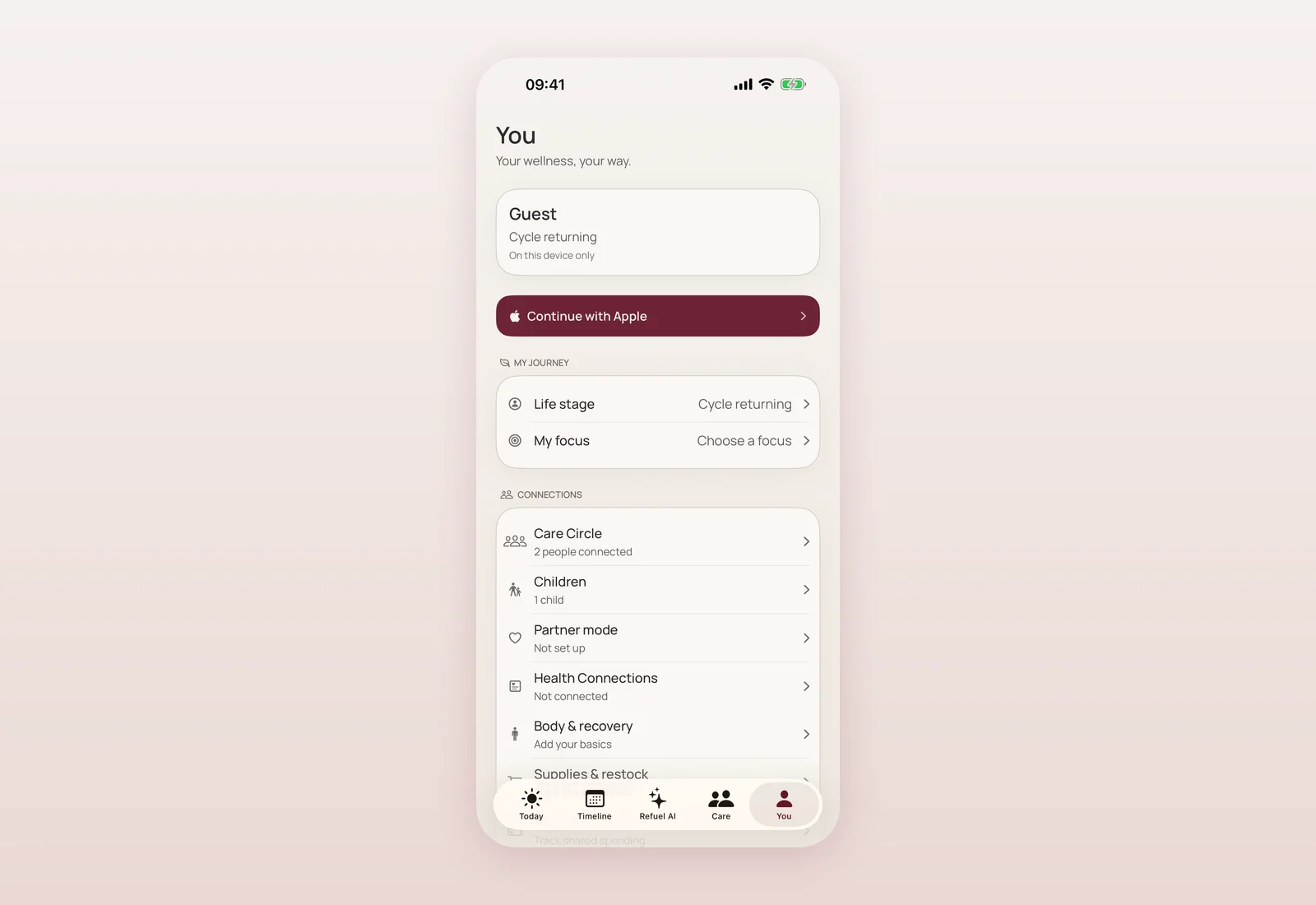
Rather than fight iOS's behaviour, I stopped promising a live switch. The language picker now writes your choice and offers "Restart now" — a clean relaunch that comes back fully and consistently in your new language — or "Later", if you'd rather keep going and switch when convenient. I tested both directions in the simulator, Ukrainian to English and back, and confirmed the whole UI, including cached localized strings like "Not set up" or "1 child", comes back consistent after the restart. Your data is completely untouched either way.
While I was in there: a full 8-language audit
Fixing the switching bug was a good excuse to properly audit every translated string across all 8 non-English locales. I found real gaps:
- The help-message template used when you ask someone for help was untranslated in 7 languages — it had been rendering literally as its own internal key name instead of real text, with its 4 placeholders now properly translated in each language.
- Five keys, including two crisis and safety strings and some disclaimers, existed only in Ukrainian and were silently falling back to English everywhere else. All added to the other 7 locales.
- Duplicate keys (like two separate entries for "Formula" and "Something else") and a formatting mismatch were cleaned up.
After the audit, every locale sits at exactly 1,472 keys with zero missing, zero duplicates and zero format mismatches, verified with Apple's plist linter. I want to be honest about one thing: the crisis and safety translations were done carefully, by hand, but they still deserve a native-speaker clinical review before this reaches the public App Store — that review is a known gate, not an afterthought.
The website catches up on Partner Mode
The deployed website is a static mirror, separate from the in-app roadmap, so I audited every per-feature availability badge on it against what's actually true in the app. Most were already accurate — cycle, planning, Care Circle, Memories, children and family timeline correctly showed "Available"; the baby domain and family health record correctly showed "Planned"; the Apple Watch app was already presented as part of the pilot.
Partner Mode was the one that undersold reality: it said "In development · gated in production", when connecting a partner actually works today. I updated the badge to "In the pilot · sharing gated in production" across all 9 site locales, which matches exactly what I wrote about Partner Mode in the previous update.
Syncing the rest of the site's roadmap content
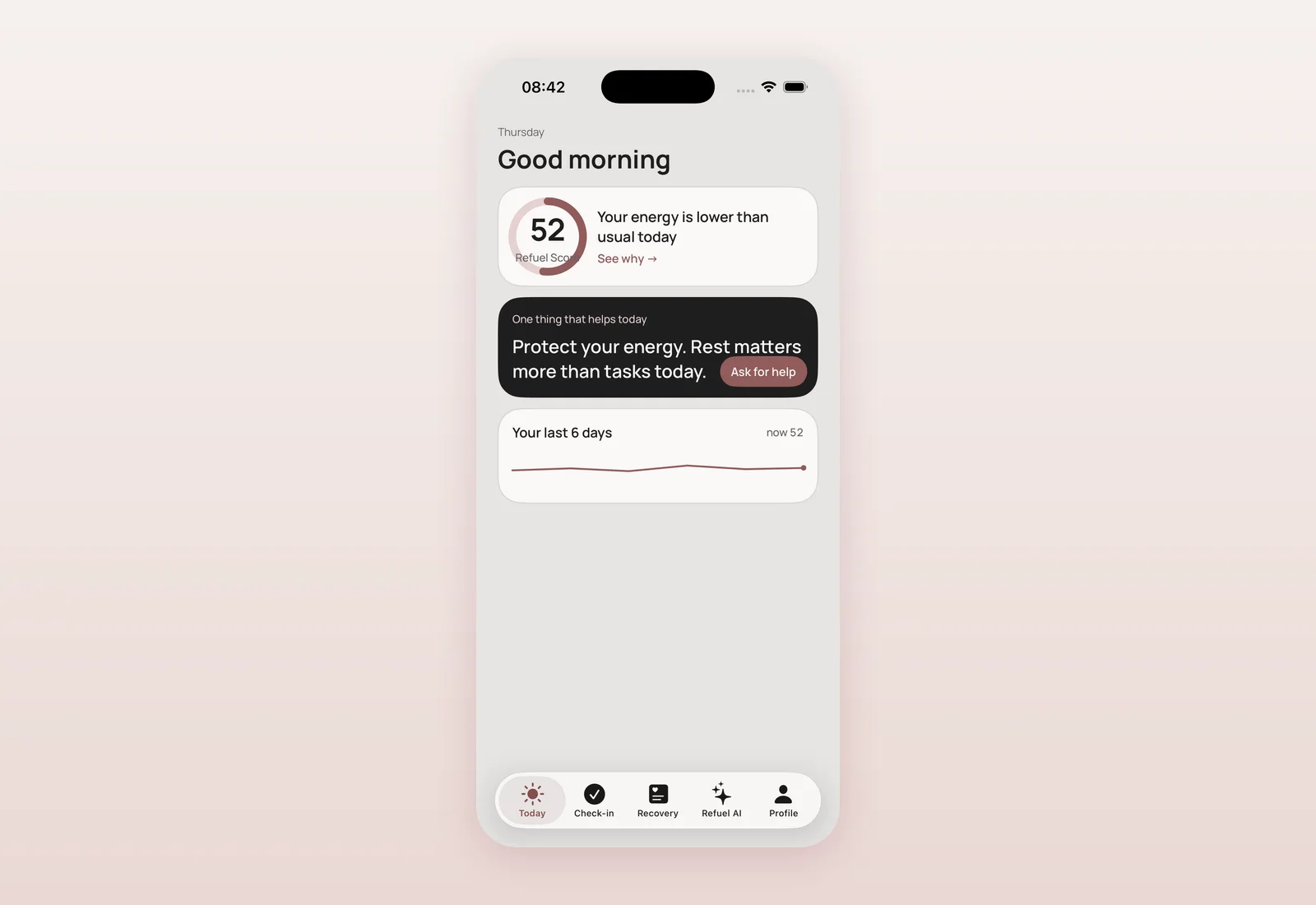
Separately, I brought the website's underlying feature-status content in line with the app's graduations from the last two days: Cycle/Planning, Pregnancy, Baby, Memories and Care Circle now read "now" instead of a softer status; Health reads "next", matching that weight import and Body & recovery have shipped, but deeper signals and Watch context are still ahead. I also removed two things that were no longer honest to say: a promise of a fertility fertile-window estimate (the app deliberately makes no fertility claim), and a note about baby profiles being behind a feature flag (baby context has shipped). The Care marketplace and trust-ladder statuses were left untouched — that's a separate rollout with its own timeline.
Where and when
- 08:35 — TestFlight build 23 (commit f425230).
- 09:00 — Website feature-status content synced with the app's graduated roadmap (0ebb475).
- 10:44 — Partner Mode badge corrected across all 9 site locales: "In the pilot · sharing gated in production" (761c6b7).
- 11:16 — Language-switching bug fixed with a restart-to-apply flow; full 8-locale string audit completed (359e2cc).
- 11:17 — TestFlight build 24, language switch fix (250a8a2).
What's next
Crisis and safety translations still need a native clinical review before general availability. And the biggest thing I'd built up to at this point in the week — a new way to just talk to the app instead of filling out forms — was next. More on that very soon.
Questions mothers ask
Why couldn't the app switch languages live, instantly?
iOS fixes an app's language at launch and caches how localized text resolves for that run. A live bundle swap only affects some text, not all of it, so the two paths diverge into a mixed screen. A restart is the only reliable fix.
Will switching my language delete my data?
No. Changing language and restarting only affects how text displays. Your journal, check-ins and all your data are completely untouched.
Is Partner Mode fully available on the App Store now?
Connecting a partner works in the pilot. The fuller sharing dashboard is still gated in the public App Store build, pending a privacy review.
Have the crisis and safety translations been reviewed by a professional?
They were written carefully, by hand, across all 8 languages, but they still need a native-speaker clinical review before I consider them final for general availability.

Product designer and engineer from Kyiv who designed and built Mommy Refuel end to end. CTO at Kyiv Academy of Media Arts, founder of seven a.m. He writes every product update here: what shipped, where and when.
About SerhiiAvailability can vary with the installed app version. Statuses are founder-confirmed at the time of writing.