Key takeaways
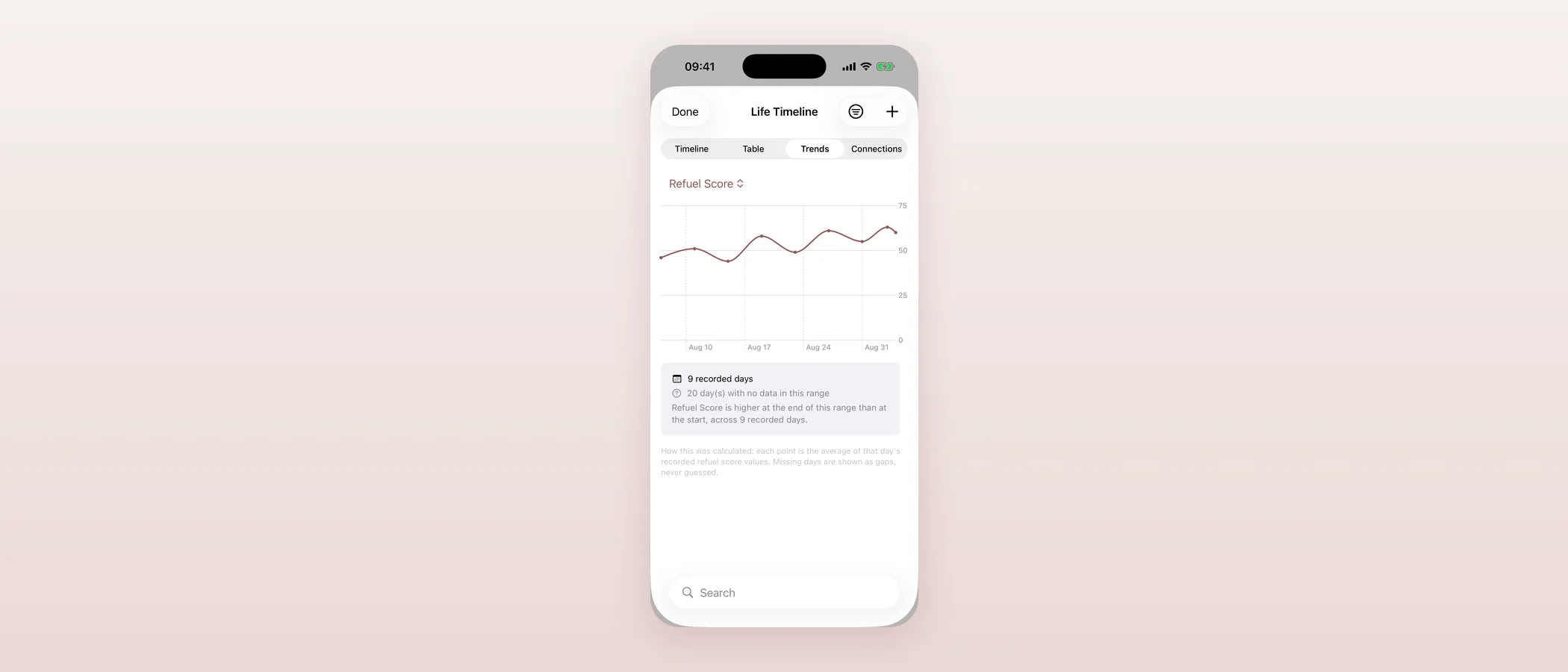
- Life Timeline — the feed, table and trends views of your history — is now shown as the working pilot it already was, with a new story-span header summarising your timeline in one line.
- Cycle Tracking, Pregnancy Planning and Care Circle are also now shown honestly as live pilot features, not "coming next" teasers.
- Partner Mode moves to pilot status too: connecting a partner works today, though the full sharing dashboard is still gated pending a privacy review.
- Health integrations (like the weight import shipped this morning and the new Apple Watch app) are now marked "in development" — accurate, not aspirational.
- "What's next" on Home now only previews features that are genuinely not built yet: deeper health integrations and access to real professionals.
Why I spent an evening on roadmap wording
The morning of September 19 was about shipping. The evening was about something quieter but, to me, just as important: making sure Mommy Refuel never oversells or undersells itself inside its own app. I noticed that several features shown as "coming next" on the in-app roadmap were, in fact, already live and working. That's a worse problem than it sounds — a mother browsing what's ahead should never have to guess whether a card labelled "preview" is actually usable today.
My own note to the team (which, at this stage, is mostly me and Claude) was blunt: "raise all the functionality." If it works, it should say it works.
Life Timeline becomes a real pilot
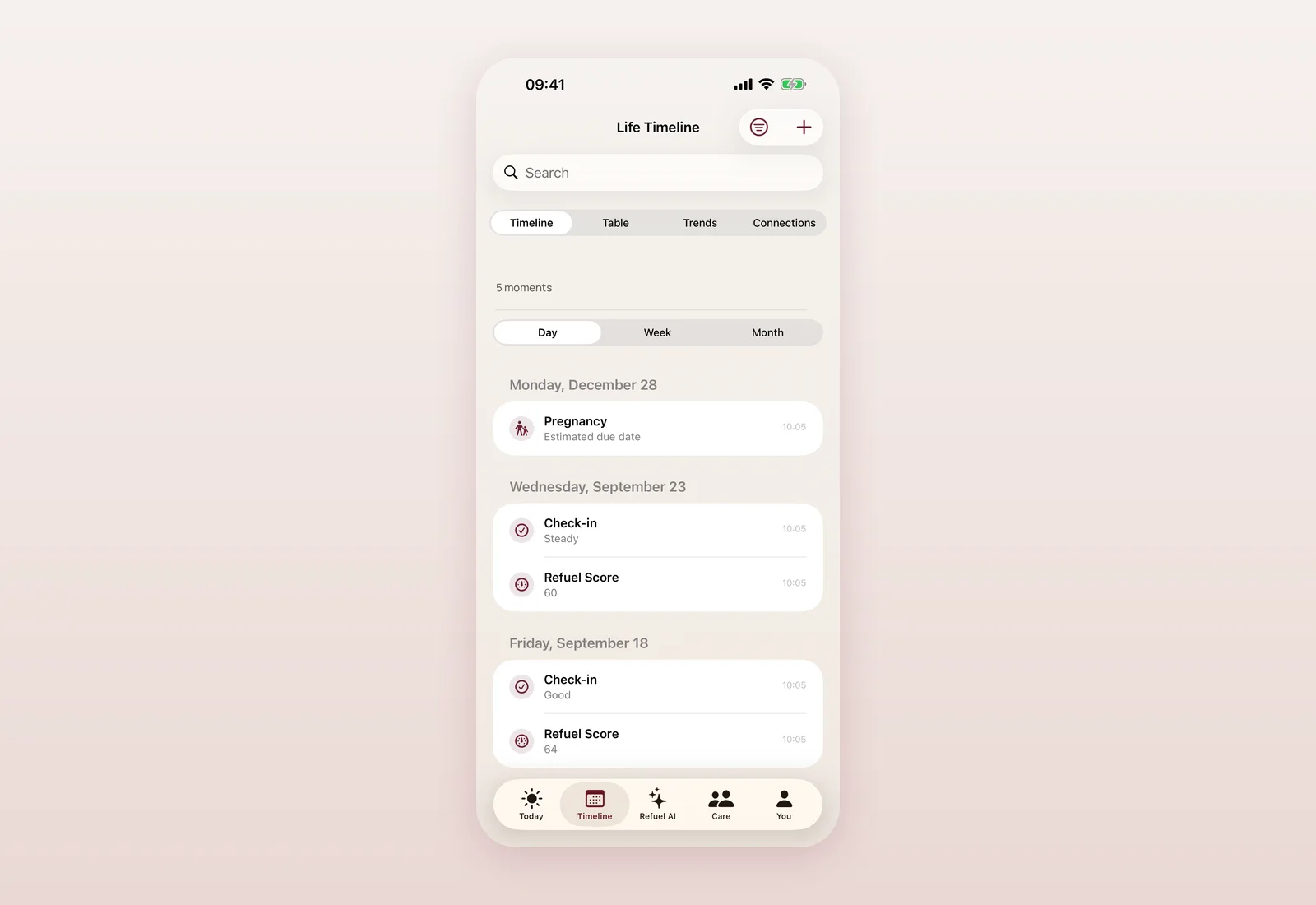
Life Timeline was the single biggest mismatch. The Timeline tab — with its feed, table and trends views — has been live in production for a while, with connections in beta. Yet the roadmap still teased it as "coming next", a preview of a future vision rather than something you could already open.
I fixed the status, and while I was in there, I added a small but meaningful piece: a story-span header at the top of your feed — something like "23 moments · since August 2026". It's a one-line summary that reinforces what Life Timeline is actually for: one continuous view of your life, not a scattered list of entries. It's localised across all 8 translated languages, and I tested it in the simulator against a demo history before shipping.
Cycle, Pregnancy Planning, Care Circle and Partner Mode
Once I started, it was clear the same honesty gap applied elsewhere. Four more features moved from "coming next" teasers to their accurate, live status:
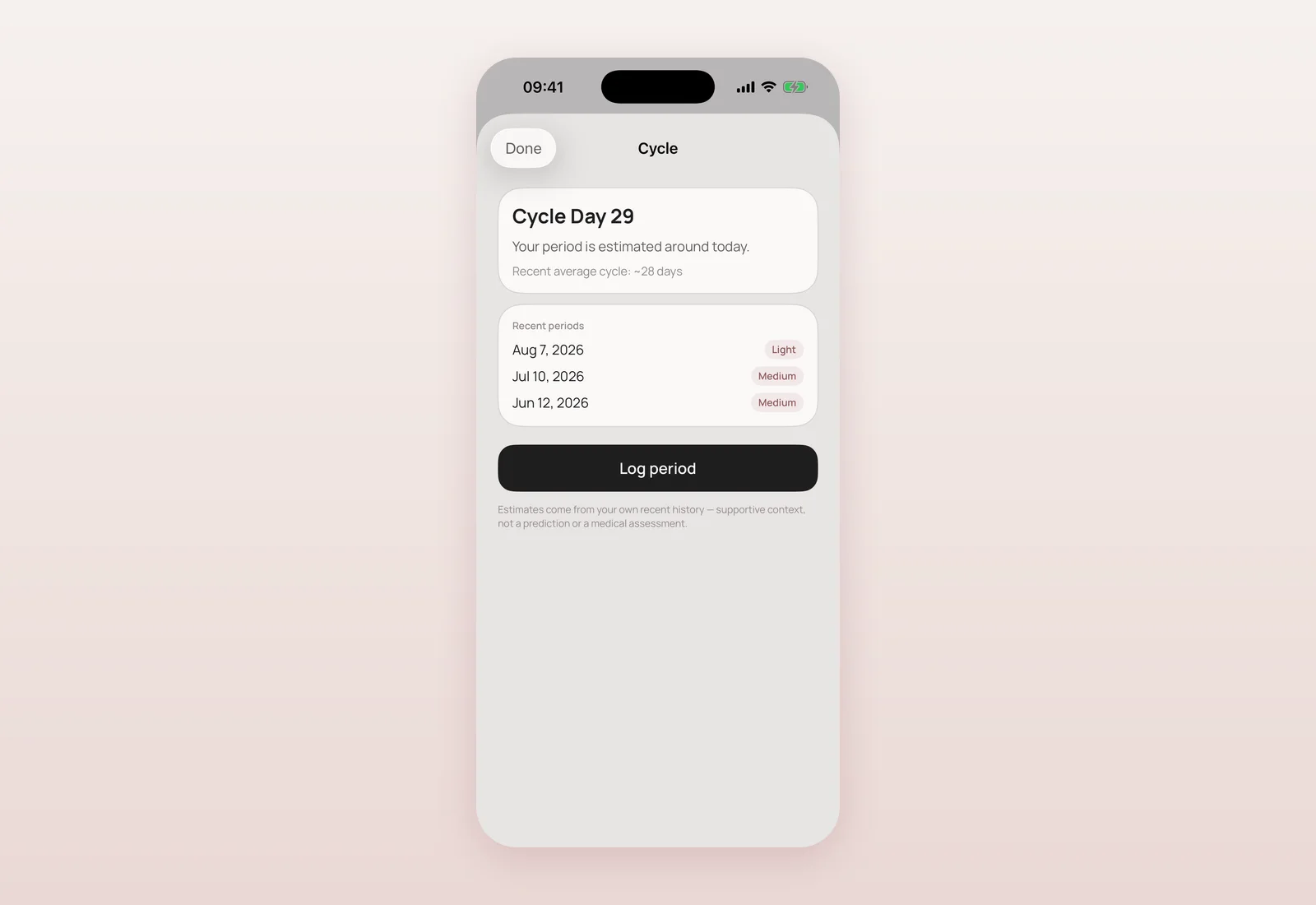
- Cycle Tracking — the cycle card on Today, the dedicated Cycle view, gentle predictions, and an optional Apple Health menstrual import (user-toggled) — is live.
- Pregnancy Planning — the planning view and its Today card — is live.
- Care Circle — the shared Care tab — is live.
- Partner Mode is the one exception worth spelling out honestly: connecting a partner works today, but I've deliberately kept the fuller sharing dashboard gated behind a privacy review I haven't finished yet. So Partner Mode graduates to pilot status, but stays on a beta rollout rather than a fully live one.
All five lost their "tell me when this is ready" interest button, since there's nothing left to wait for on the core feature itself.
Health integrations: honestly "in development"
Earlier the same day, weight import from Apple Health shipped, and the Apple Watch app got embedded into the build for the first time. That's real, visible progress — enough that "exploring" no longer described it accurately. I moved health integrations to "in development", which is the honest middle ground: actively being built, not yet the fuller picture I have in mind (deeper signals, more Watch context), and not yet claiming to be finished.
What Home shows you now
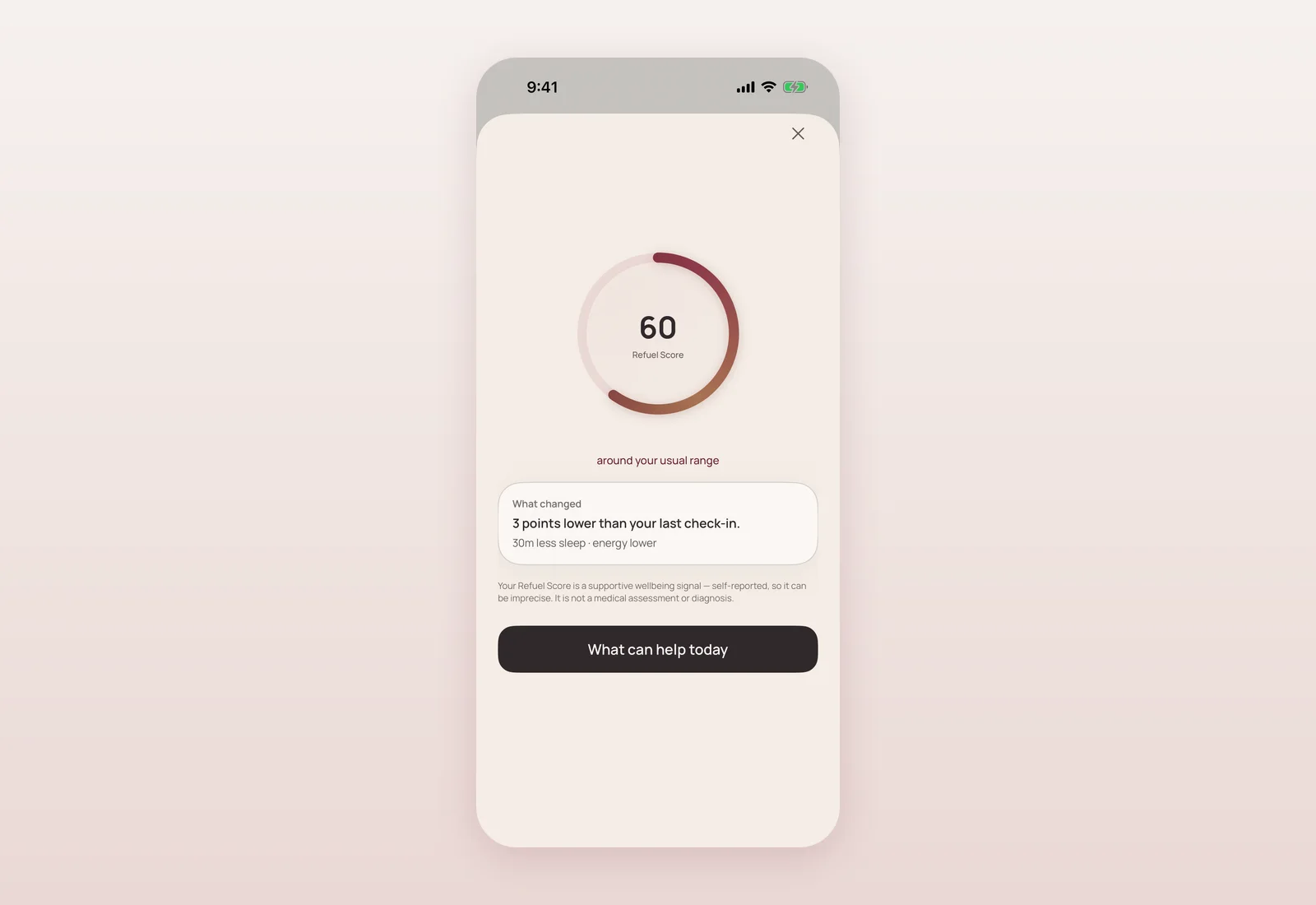
With five features graduated off the teaser list, Home's "What's next" section now only previews things that are genuinely upcoming: deeper health integrations, and access to real professionals for support. I rewrote the test that locks this behaviour in, so a future feature can't silently sneak back onto the teaser list once it's actually live — the same discipline that caught this gap in the first place.
Where and when
- 18:10 — Health integrations moved from "exploring/later" to "in development/next" on the in-app roadmap (commit 085d863).
- 18:18 — Life Timeline graduated to a live pilot; new story-span header shipped, localised across 8 languages (6f62fe7).
- 23:17 — Cycle Tracking, Pregnancy Planning and Care Circle graduated to live; Partner Mode graduated to pilot on a beta rollout; Home's "What's next" rewritten to only show genuinely upcoming work (06e372d).
All of this shipped as part of the same TestFlight build line as the morning's work (build 22 on the App Store Connect side); there was no separate build bump for these roadmap-only changes.
What's still ahead
Partner Mode's full sharing dashboard is waiting on a privacy review before it graduates fully. Health integrations still have real distance to cover. And I want to keep this discipline going: every time something genuinely ships, the roadmap should say so the same day, not weeks later.
Questions mothers ask
Is Partner Mode fully available now?
Connecting a partner works today for pilot testers. The full sharing dashboard is still gated behind a privacy review I haven't finished, so Partner Mode is on a beta rollout rather than fully live.
What does the new Life Timeline header show?
A one-line summary at the top of your feed, such as "23 moments · since August 2026" — a gentle reminder that Life Timeline is one continuous view of your history, not a scattered list.
Are Cycle Tracking, Pregnancy Planning and Care Circle new features?
No — they were already built and working. This update only fixed how honestly the in-app roadmap described them, moving them from "coming next" to their accurate, live status.
What's still genuinely upcoming, not just relabelled?
Deeper health integrations (beyond the weight import and Apple Watch app already shipped) and access to real professionals for support — both still in progress, not yet available.

Product designer and engineer from Kyiv who designed and built Mommy Refuel end to end. CTO at Kyiv Academy of Media Arts, founder of seven a.m. He writes every product update here: what shipped, where and when.
About SerhiiAvailability can vary with the installed app version. Statuses are founder-confirmed at the time of writing.